When a device fails, do you rebuild its configuration from memory?
Config backups happen by hand, "when there is time", and end up scattered across file shares. Devices nobody thinks of remain unprotected altogether. COD bundles all configuration and database backups in one interface: vendor-independent, with schedules and diff, multi-tenant and on-premises.
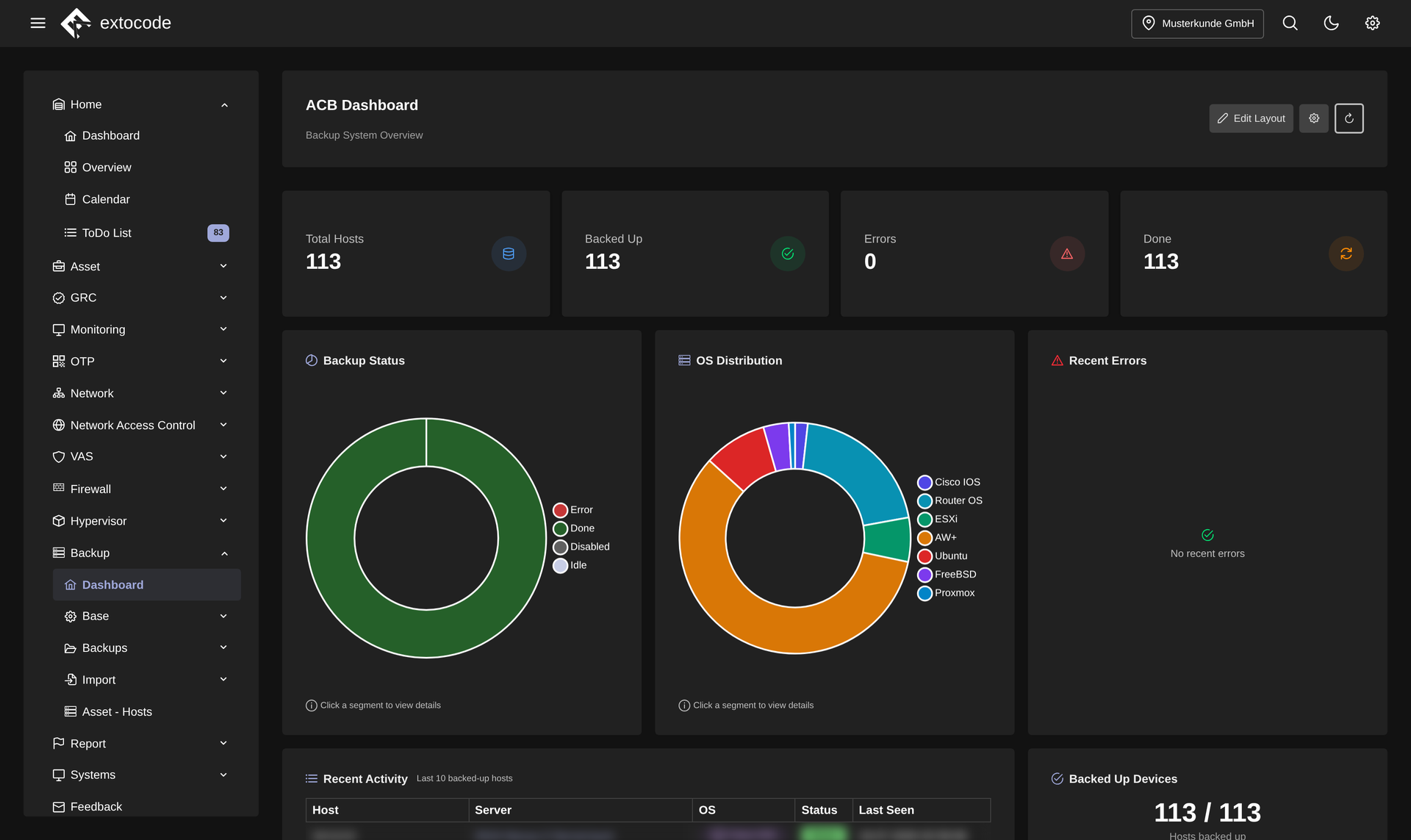
Central, vendor-independent backup templates for devices and services.
Know the feeling?
Every vendor has its own backup path
The pain: Switches, firewalls, servers and databases come from different vendors. Each system has its own export dialog, its own script, or no automated backup path at all.
The consequence: If a configuration is lost, it has to be rebuilt from memory. That means hours of work. Forgotten systems are a silent gap, and in critical-infrastructure (KRITIS) environments the backup evidence for the audit is missing.
How COD solves it: All configuration and database backups run in one interface. Per template you define the source: file/folder download, shell command or MariaDB dump. That way you avoid clicking through every device GUI. Cron schedules back up regularly, and "Execute Now" starts single or many hosts off-schedule at any time.
Segmented networks: precisely the critical systems stay unprotected
The pain: Management network, DMZ, sealed-off production segments: exactly the systems isolated for security reasons are out of reach for the central backup path. So someone backs them up occasionally by hand, or they drop out of the backup entirely.
The consequence: Of all systems, the most critical ones have the oldest config snapshots, or none at all. A real outage risk, and an obvious finding in any audit.
How COD solves it: Per host you store a jump host. Through it COD also backs up systems that are not directly reachable, segmented networks included. These hosts run with the same templates, schedules and retention rules as all the others, instead of as a hand-crafted special case.
After the incident: what changed in the configuration?
The pain: A switch has behaved differently since the weekend, the firewall suddenly blocks a service. Somebody changed something. Without versioned snapshots all that is left is placing two text dumps side by side in an editor, or plain guessing. Creeping config drift only shows once something fails.
The consequence: Troubleshooting drags on, rollbacks hit the wrong spot, the outage stretches out. And without traceable snapshots there is no way to prove what was changed and when.
How COD solves it: COD retains backup snapshots and compares them as a diff: either just the differences or the full text, for folder backups down to the individual file. Contents can be previewed and downloaded as a file, or a whole folder as a ZIP. That is the basis for a targeted restore.
Why COD, not just a feature
In COD, backup is not an island tool. It works on the living asset base of your operations: the same devices COD already knows are backed up here with uniform templates and schedules, vendor-independent, multi-tenant and fully on-premises. One platform instead of a zoo of backup scripts that starts from scratch with every new device type.
Frequently asked questions
See the backup module live
Request a live demo and we'll show you the backup module hands-on in your own environment, or download all the details about the COD backup module as a datasheet.