48 ports, 48 rounds of manual work, and the admin's day is gone?
Today you configure a new switch port by port, line by line. Every typed line is a potential typo. COD turns many individual steps into a single rollout command and deploys it via Ansible straight from the platform, with readable logs, multi-tenant and on-premises.
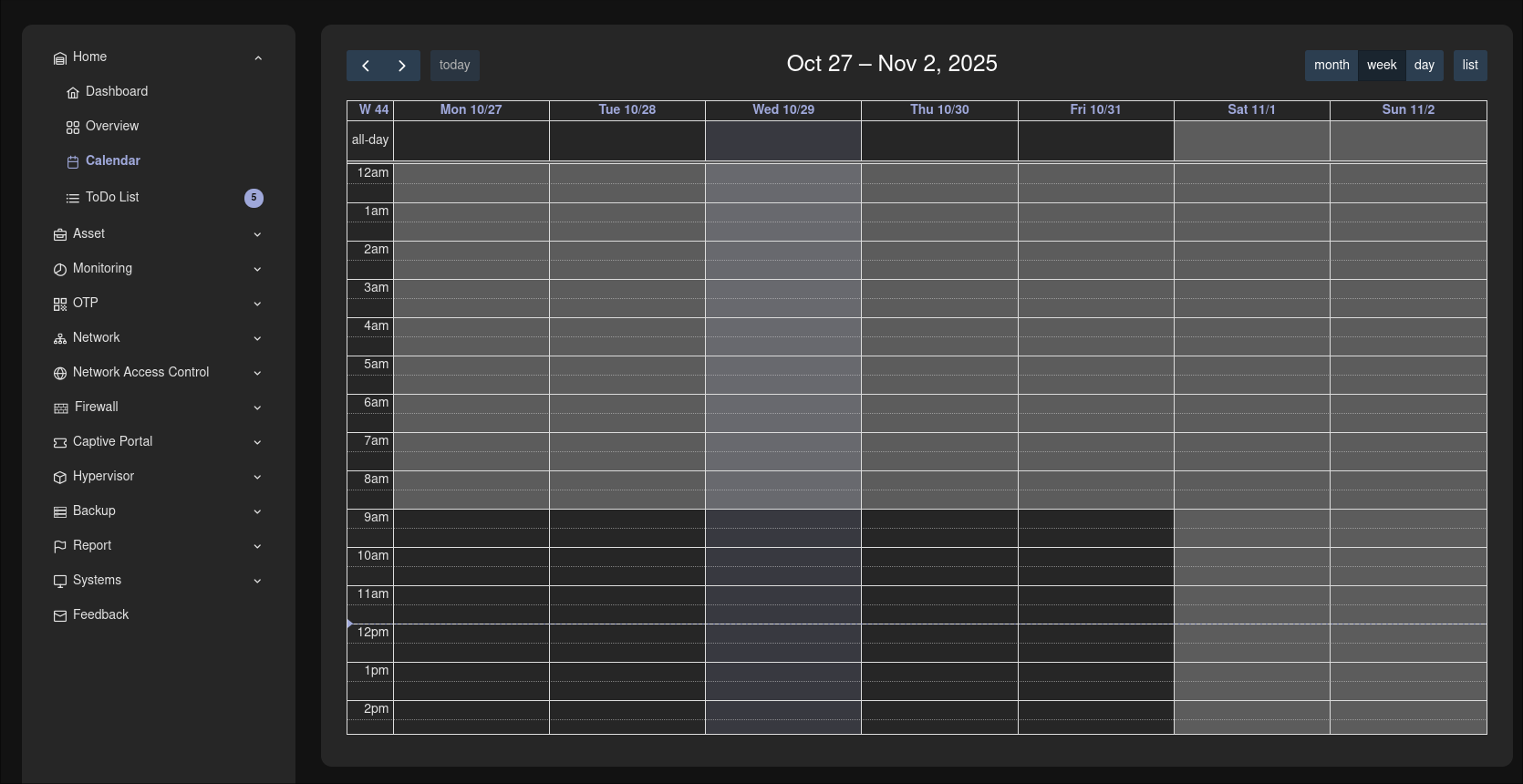
Maintenance calendar in week view: schedule planned maintenance centrally.
Know the feeling?
48 ports, 48 rounds of manual work: switch configuration eats up the admin's day
The pain: A new access switch goes into the rack, and the drudgery begins: configuring port by port, line by line in the CLI or click by click in the web interface. With several switches this drags on for hours.
The consequence: Rollouts take unnecessarily long and tie up skilled admins with dull repetitive work. Typos often only surface when a user has no network, and the troubleshooting starts all over again.
How COD solves it: Instead of 48 individual steps, COD generates a single rollout command for the entire port range (e.g. ports 1/0/1 to 1/0/48 in one go) and deploys the configuration via Ansible straight from the platform, with no tool switching. That saves clicks, avoids typos and noticeably speeds up deployments.
Every planned maintenance turns into a false alarm, and the team goes numb
The pain: The maintenance window has been planned for weeks, yet the monitoring raises an alarm as soon as the first host reboots. The team acknowledges the expected messages away. Or it gets used to ignoring alarms during maintenance across the board.
The consequence: False alarms cost time and undermine trust in every monitoring signal. Whoever routinely clicks alarms away will eventually miss the one that counts.
How COD solves it: You schedule planned maintenance centrally in the COD calendar. During the maintenance window the monitoring does not alarm without cause. You reliably distinguish planned work from real incidents, and trust in every alarm is preserved.
Automation runs without a record: "Who rolled that out?"
The pain: After a rollout something is wrong. But which run was it, who started it, what was the result? The answer, if it exists at all, is buried in raw JSON output nobody reads voluntarily.
The consequence: Without clean traceability every troubleshooting session drags on unnecessarily. In a KRITIS audit a finding also looms, because changes to the infrastructure cannot be documented without gaps.
How COD solves it: COD displays Ansible output formatted and easy to read instead of raw JSON. Every log entry carries its runner ID, so every run remains clearly traceable: who rolled out what, when, and with what result. That is traceability that fits KRITIS and audits.
Why COD, not just a feature
In COD, automation runs on the same platform as your operations: you start rollouts right next to the assets they affect, and they share the maintenance calendar with the monitoring. That is why the platform knows when work is planned and when a real incident is happening. Ansible without tool switching, readable logs with runner IDs, multi-tenant and on-premises.
Frequently asked questions
Rollouts in seconds instead of hours.
In a live demo we show you bulk rollout, zone resync and the maintenance calendar hands-on in your own environment, or you download the automation datasheet with all features in compact form.